 Hair AI Salon
The only reliable way to know how you'd look blonde is to see it on your own face — an AI colour simulator applies platinum, ash, honey or golden blonde to your photo in seconds. The general rule: cool undertones suit ash and platinum, warm undertones glow in honey and golden, and going more than two shades lighter than natural means bleach and a permanent root-maintenance habit.
Why blonde is the highest-stakes colour decision
Most colour changes are reversible in an afternoon. Blonde usually isn't. Getting there from dark hair means lifting pigment with bleach — often across multiple sessions — and once it's done you've changed your hair's condition, your budget (roots every 4–8 weeks) and your morning routine. It is the single best argument for previewing a colour before committing to it.
The blonde family, decoded
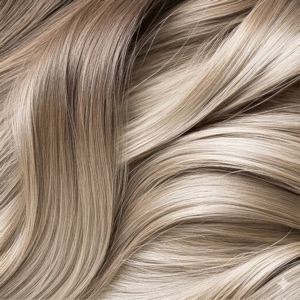
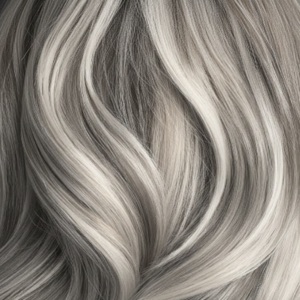
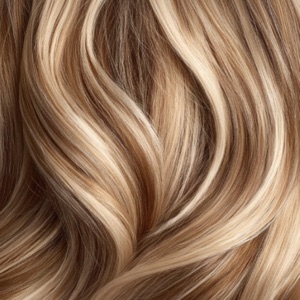
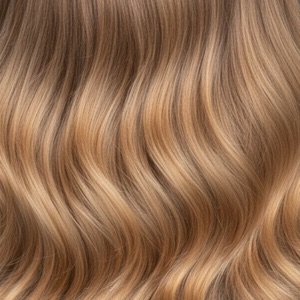
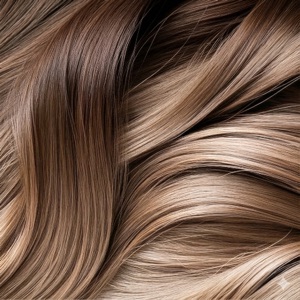
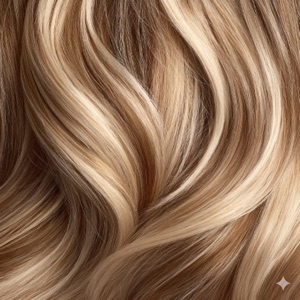
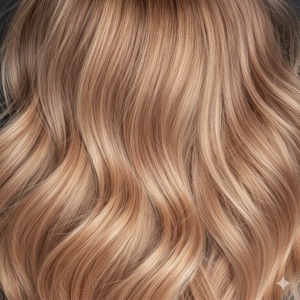
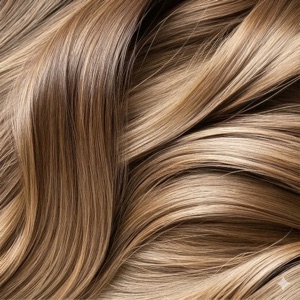
- Platinum — the most dramatic and the most demanding. Needs cool undertones, healthy hair and purple shampoo forever.
- Ash Blonde — cool and smoky; the safest "expensive-looking" blonde for cool undertones.
- Golden / Honey — warm and sunlit; the most flattering blondes on warm undertones and olive skin.
- Champagne — neutral, between ash and golden, and therefore the most broadly wearable.
- Dirty Blonde & Balayage — the low-maintenance entry point. Roots are meant to show, so grow-out is a feature rather than a problem.
- Strawberry Blonde — blonde with a red cast; stunning on fair, warm skin and freckles.
Matching blonde to your skin
- Fair + cool: platinum, ash, champagne. Avoid heavy gold, which can read brassy against pink skin.
- Fair + warm: golden, honey, strawberry.
- Olive: honey and caramel-tinged blondes; very ashy blondes can make olive skin look grey.
- Deep skin tones: honey, caramel and golden blondes read beautifully; the key is warmth and depth rather than icy tones.
The maintenance truth
Bleached blonde is a commitment: root touch-ups every 4–8 weeks, purple shampoo to fight brassiness, heat protection, and usually a bond-building treatment. If that sounds like too much, preview a balayage or dirty blonde instead — same brightness around the face, a fraction of the upkeep.
See it on your own face first
Generate two or three blondes on the same photo and compare side by side. The differences between platinum, champagne and honey are subtle on a colour chart and obvious on your own face — which is exactly why previewing works.
See it on your own face first
Hair AI applies every blonde — platinum, ash, golden, honey, champagne, balayage — to your own photo in seconds, with a before/after slider. Free to download, free credits to start. Preview the bleach before you book it.
Frequently asked questions
How can I see what I'd look like with blonde hair?
Upload a selfie to an AI hair colour app like Hair AI and apply a blonde shade. It regenerates your photo with the new colour on your actual hair, in your lighting — no bleach, no filters, about thirty seconds.
What blonde suits me best?
Cool undertones suit platinum, ash and champagne; warm undertones suit golden, honey and strawberry. Olive skin does best with honey or caramel tones rather than very ashy blondes. Preview two or three to see the difference on your own face.
Can I go blonde from dark brown hair in one session?
Rarely, safely. Lifting dark hair to a light blonde usually takes multiple sessions with recovery time in between. A colourist may recommend balayage or a partial lightening as a first step — both are worth previewing before you decide.
How much maintenance is blonde hair?
Full blonde means root touch-ups roughly every 4–8 weeks, purple shampoo, and extra conditioning. Balayage and dirty blonde are far lower maintenance because the grow-out is intentional.